
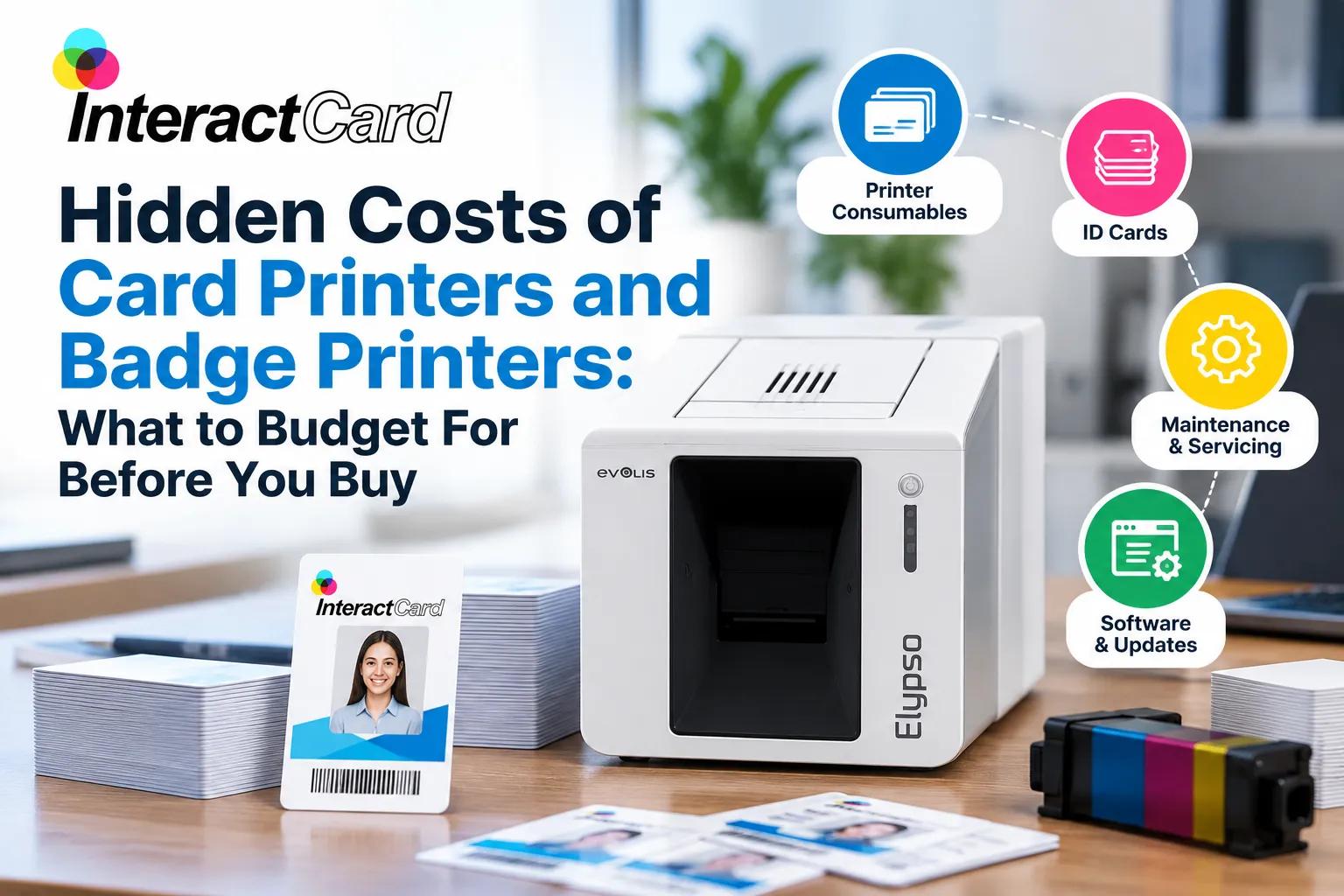
Bringing ID card printing in-house sounds simple. Buy a printer, plug it in and start issuing staff cards. In practice, the price on the box is often the smallest number you’ll deal with over the printer’s life.
Ribbons, blank cards, software, cleaning and the occasional repair all add up, and they rarely appear on the first quote. Whether you’re comparing card printers for a school, a gym or a 300-person workplace, or looking at compact badge printers for a reception desk, here’s what to budget for and how to avoid paying twice.
1. Ribbons: the cost you pay on every card
Every card you print uses part of a ribbon, so over time ribbon cost matters more than the printer price. A full-colour YMCKO ribbon is usually rated for a few hundred prints, while a monochrome ribbon can produce well over a thousand.
Two things catch buyers out. Double-sided cards use more ribbon per card, and rated yield assumes every print succeeds, so misprints and test cards eat into it. Before you buy, divide the ribbon price by its rated yield to see the real cost per side.
2. Blank cards aren’t all the same
Most desktop card printers take standard CR80 cards, the same size as a credit card. Plain PVC is the cheapest option, but magnetic stripe, proximity and contactless smart cards cost considerably more.
If you need a printer for plastic cards that will also open doors or record attendance, check encoding compatibility with your access control system first. Buying the wrong card stock, or a printer that can’t encode it, is an expensive mistake.
3. Design software and licences
Some printers come with basic design software and some don’t. Adding a name and photo is easy with entry-level tools, but batch printing from a staff database, barcodes, QR codes or encoding often needs a paid upgrade. Check whether the licence is one-off or a subscription, and how many computers it covers.
4. Single-sided now, double-sided later
If you might ever need details on the back of your cards, like emergency contacts or a barcode, plan for it now. Some models, like the Evolis Primacy 2, can be upgraded to dual-sided printing later. Others have to be replaced, which turns a small saving today into a second full purchase.
5. Cleaning, printheads and downtime
Dust and card debris build up inside every printer. Regular cleaning with the manufacturer’s kit costs little and protects the printhead, usually the most expensive part to replace. Skip it and you’ll see streaks and jams first, then a repair bill.
Downtime costs money too. If your printer fails during enrolment week or a big onboarding intake, you’re stuck issuing paper passes or paying for rush outsourcing. That’s why local support and spare parts matter more than most buyers expect.
6. Accessories add up per person
A finished ID card usually needs a holder, lanyard, clip or reel. Across 200 staff, those extras can cost as much as the cards themselves, so budget for them from day one.
How to work out your real cost per card
Compare printers on cost per card, not sticker price:
Cost per card = (ribbon price ÷ rated yield) + blank card price + 5–10% for misprints
For example, a $90 ribbon rated for 300 prints costs $0.30 per side. Add a $0.40 blank card and a 10% misprint allowance, and you’re at about $0.77 per single-sided card before accessories. These figures are illustrative, so use real quotes for your shortlist.
That’s how a cheaper machine with low-yield ribbons ends up costing more.
Why choose InteractCard
InteractCard helps Australian organisations choose card printers that fit their volume and budget, then keeps them running.
-
Authorised Evolis distributor: genuine Evolis printers, ribbons and parts.
-
A range for every need: from the compact Badgy badge printer to the upgradable Primacy 2, the 600 dpi Agilia retransfer printer and the high-volume Quantum 2.
-
Supplies in one place: ribbons, blank cards, cleaning kits, lanyards, card holders and card design software.
-
Fast dispatch: orders placed before 2pm on business days ship the same day.
-
Support after setup: how-to videos, firmware guides and remote support from the Melbourne team.
Frequently asked questions
How much does it cost to print an ID card in-house?
The main running costs are the ribbon and the blank card. Divide the ribbon price by its rated yield, add the price of one card, then allow 5–10% for misprints. On a standard printer using plain PVC cards, that often comes to under a dollar per card, before accessories.
What is the difference between a card printer and a badge printer?
There’s no strict technical difference. “Badge printer” usually means a compact, entry-level model for staff, visitor and event badges in smaller quantities. “Card printer” covers the wider range, including dual-sided, encoding, retransfer and high-volume machines.
What cards does a plastic card printer use?
Most plastic card printers use CR80 PVC cards measuring 85.6 × 54 mm, the same size as a credit card. The wrong thickness or a non-approved card can cause jams and printhead damage, so check your printer’s specifications.
How many cards does one ribbon print?
It depends on the ribbon and the printer. Full-colour YMCKO ribbons are typically rated for 100 to 300 prints, while monochrome ribbons can print 1,000 or more. Double-sided printing and misprints reduce the finished cards per roll.
Is it cheaper to print ID cards in-house or outsource them?
In-house printing usually pays off if you issue or replace cards regularly, because you avoid per-order fees and waiting times. If you only need one batch a year, outsourcing may cost less than buying a printer and keeping consumables in stock.
Can a single-sided card printer be upgraded to double-sided?
Some can. The Evolis Primacy 2, for example, can be upgraded to dual-sided printing and encoding after purchase. Many entry-level printers can’t, so confirm the upgrade path before you buy.
Final thoughts
The cheapest card printer to buy isn’t always the cheapest to own. Compare cost per card, card compatibility, upgrade options and local support, and you’ll pick a printer for plastic cards that still fits years from now.
About InteractCard
InteractCard has specialised in ID card printing for more than 20 years. Based in Wantirna South, Melbourne, it’s an authorised Evolis distributor supplying card printers, badge printers, consumables and card design software to businesses, schools, clubs, RTOs and government organisations across Australia. Visit interactcard.com.au to compare models or ask for a recommendation.
