
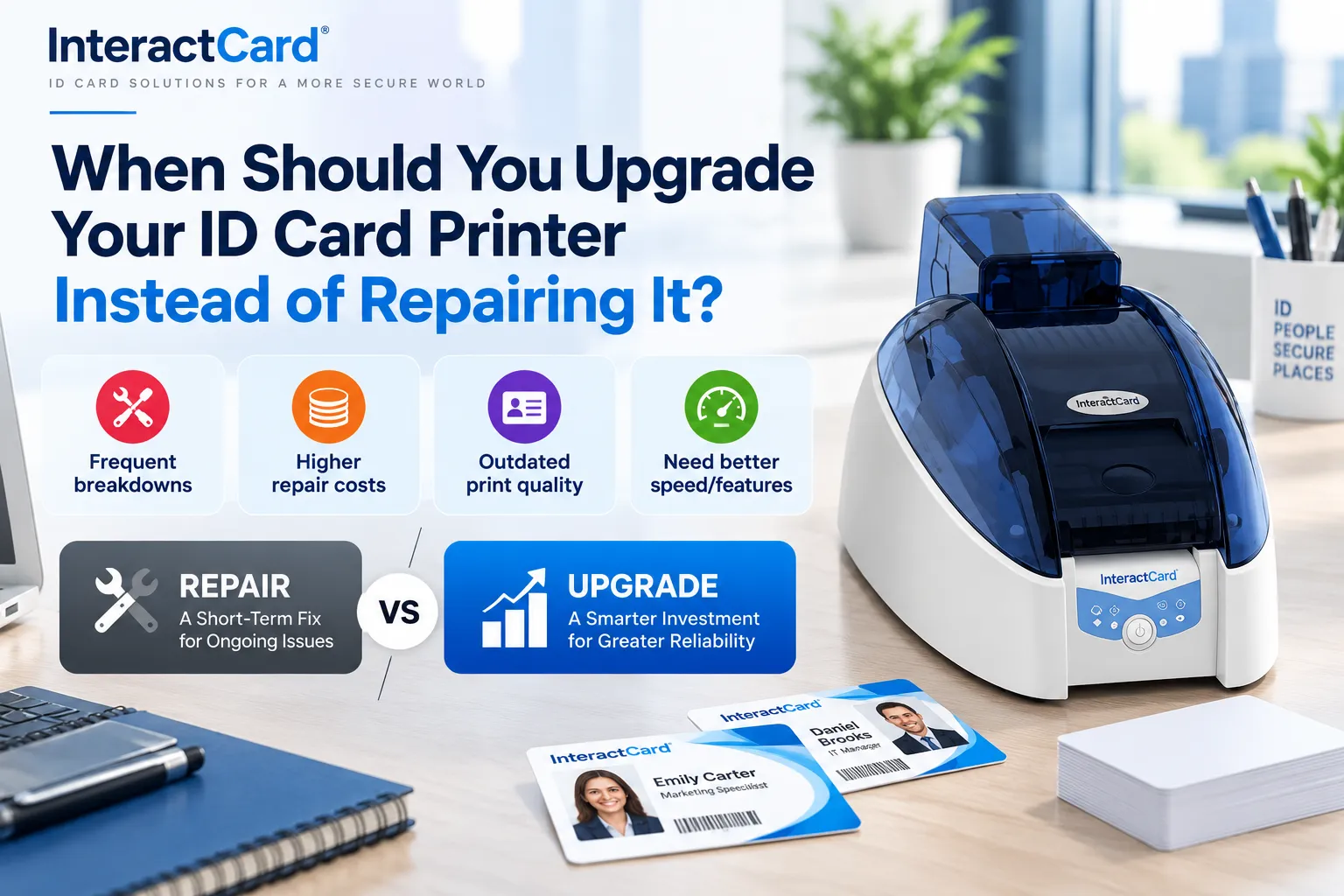
Your ID card printer has started leaving white lines across staff photos, or it jams every third card. Before you book a repair or order a new machine, it’s worth working out which option actually saves money.
A cheap fix on a reliable printer is usually the right call. Paying to keep an old, unsupported machine alive often isn’t. Here’s how to tell the difference.
Rule out the simple fixes first
Many faults that look terminal are really maintenance issues. Faded colours, streaks and feeding errors often trace back to dirty rollers, the wrong card thickness or non-genuine ribbons. Run a full clean with the manufacturer’s kit, check your ribbons and cards are approved, and update the driver and firmware.
If problems keep coming back after that, look for these warning signs:
-
Frequent jams, even with clean rollers and approved cards
-
White lines or gaps in printed images, often a printhead fault
-
Communication errors, or ribbons not being recognised
-
A rising number of rejected cards
One sign on its own may be fixable. Several together usually mean the machine is near the end of its working life.
Repair or replace: compare the real costs
Ask for a written repair quote that lists the fault, parts and labour. Then weigh it against the price of a suitable new printer.
A simple rule of thumb: if the printer is otherwise reliable and the quote is small, repair it. If the quote is approaching half the replacement price, or other parts are also wearing out, an upgrade deserves a serious look. A printhead failure is often the tipping point on older entry-level models.
Don’t forget the hidden costs of keeping an old machine: wasted cards and ribbon, staff time spent restarting jobs, and downtime during busy periods such as enrolment or onboarding.
Quick guide: repair or upgrade?
|
Situation |
Repair |
Upgrade |
|
Minor jam or dirty rollers |
Clean and service |
Not needed |
|
Printhead failure on a newer printer |
Usually worth it |
Rarely needed |
|
Printhead failure on an old entry-level model |
Only if the quote is low |
Often better value |
|
Faults that keep returning |
Only if a lasting fix exists |
Usually the better choice |
|
Printing volume has outgrown the printer |
Won’t solve it |
Yes |
|
No driver updates or spare parts |
Short-term only |
Yes |
When upgrading makes more sense than repairing
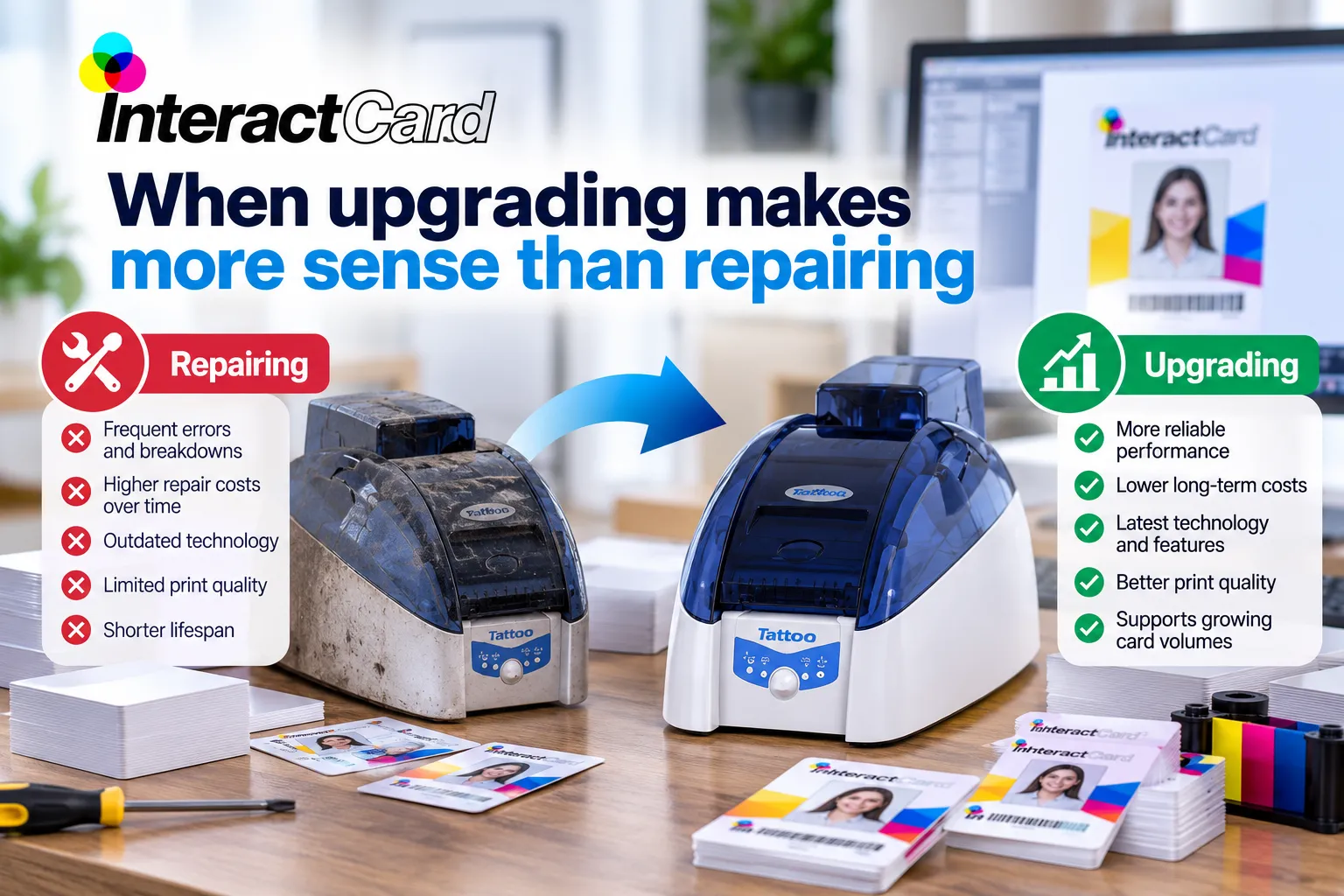
Sometimes the printer still works but no longer fits the job.
Your volume has grown. A model bought for 30 cards a month can become a bottleneck at several hundred. A newer printer for ID card printing with a bigger feeder, faster output and batch printing from a database can save hours every month.
You need new card features. Access control cards may need magnetic stripe or smart-card encoding, and some IDs need details on the back. The Evolis Primacy 2 accepts dual-sided and encoding upgrades, while 600 dpi retransfer printers such as the Agilia suit secure, edge-to-edge cards.
Support has ended. If the driver won’t run on your current version of Windows, or spare parts and firmware have dried up, every repair buys less time. A currently supported identity card printer gives you ongoing access to parts, updates and help.
Why choose InteractCard
InteractCard helps Australian organisations keep their card printers running, and pick the right upgrade when the time comes.
-
Authorised Evolis distributor: genuine printers, ribbons, cards and parts.
-
A model for every workload: the compact Badgy, Zenius 2 and Primacy 2, Agilia and Avansia retransfer printers, and the Quantum 2 for bureau volumes.
-
Support that keeps you printing: how-to videos, firmware update guides and remote support for Evolis card printers.
-
Everything else you need: ribbons, blank cards, cleaning kits and card design software.
-
Quick delivery: orders placed before 2pm on business days are dispatched the same day.
Frequently asked questions
How long does an ID card printer last?
There’s no fixed lifespan. A well-maintained ID card printer can stay in service for several years. How long yours lasts depends on how much you print, how often you clean it, whether you use approved consumables, and how long the manufacturer keeps supplying parts and drivers.
Is it worth repairing an old ID card printer?
Yes, if the fault is minor, the printer still meets your needs and parts are available. If the repair costs a large share of a new printer’s price, faults keep returning or the model is no longer supported, upgrading is usually better value.
What are the signs an ID card printer needs replacing?
The main signs are frequent jams despite cleaning, persistent white lines from a damaged printhead, rising card wastage, unsupported drivers and hard-to-find spare parts. A printer that can’t keep up with your volume or the card features you now need may also be due for replacement.
What should I look for in a new identity card printer?
Start with your monthly volume and biggest batches. Then decide on single or double-sided printing, any magnetic stripe or smart-card encoding, and the design software you’ll use. Finally, check the ribbon cost per card and make sure genuine supplies and local support are available.
Will upgrading my ID card printer reduce printing costs?
It can, but not automatically. A newer printer may waste fewer cards, need fewer repairs and save staff time. Running costs still depend on ribbon yield, card prices and how much you print, so compare those before you buy.
Final thoughts
Repair when the fault is minor and the printer still suits your needs. Upgrade when repairs keep coming back, support has ended or the machine can’t handle your volume or card features. Whichever you choose, judge any printer for ID card printing on its total cost over the next year or two, not just today’s quote.
About InteractCard
For more than 20 years, InteractCard has helped Australian organisations print their own ID cards. From its base in Wantirna South, Melbourne, the team supplies Evolis card printers as an authorised distributor, along with consumables, design software and ongoing support for workplaces, schools, clubs, RTOs and government agencies nationwide. Visit interactcard.com.au to compare models.
